Project Gallery
Explore Responsive Carousel Design in detail
4
/4
100%
100%
100%
100%
Project Overview
Responsive Carousel Design
Project Description
Modern Responsive Carousel is built using HTML, CSS, JavaScript, and Bootstrap 5.
It features a sleek design, smooth animations, and full responsiveness across all devices.
Each slide includes a heading, paragraph, and image, making it perfect for showcasing projects, services, products, or portfolio items.
HTML
<!DOCTYPE html>
<html lang="en">
<head>
    <meta charset="UTF-8">
    <meta name="viewport" content="width=device-width, initial-scale=1.0">
    <title>Modern Bootstrap Carousel</title>
    <link href="https://cdn.jsdelivr.net/npm/bootstrap@5.3.0/dist/css/bootstrap.min.css" rel="stylesheet">
    <link rel="stylesheet" href="https://cdnjs.cloudflare.com/ajax/libs/font-awesome/6.4.0/css/all.min.css">

</head>
<body>
    <div class="container">
        <h1 class="text-center mb-5 display-4 fw-bold text-dark">Modern Image Carousel</h1>

        <div class="carousel-container">
            <div id="mainCarousel" class="carousel slide carousel-fade" data-bs-ride="carousel">
                <!-- Indicators -->
                <div class="carousel-indicators">
                    <button type="button" data-bs-target="#mainCarousel" data-bs-slide-to="0" class="active" aria-current="true" aria-label="Slide 1"></button>
                    <button type="button" data-bs-target="#mainCarousel" data-bs-slide-to="1" aria-label="Slide 2"></button>
                    <button type="button" data-bs-target="#mainCarousel" data-bs-slide-to="2" aria-label="Slide 3"></button>
                    <button type="button" data-bs-target="#mainCarousel" data-bs-slide-to="3" aria-label="Slide 4"></button>
                </div>

                <!-- Carousel items -->
                <div class="carousel-inner">
                    <div class="carousel-item active">
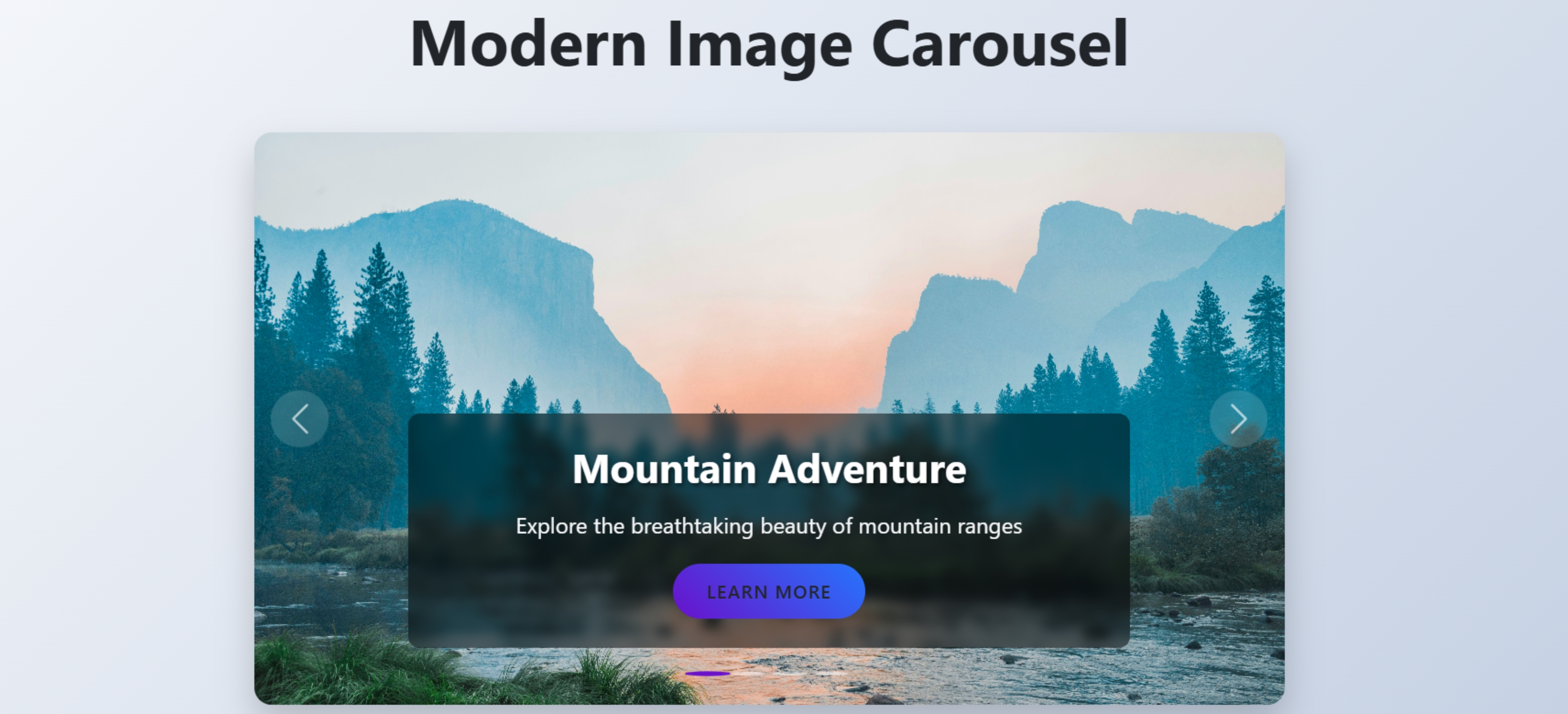
                        <img src="https://images.unsplash.com/photo-1506744038136-46273834b3fb" class="d-block w-100 carousel-image" alt="Mountain Landscape">
                        <div class="carousel-caption">
                            <h3>Mountain Adventure</h3>
                            <p>Explore the breathtaking beauty of mountain ranges</p>
                            <button class="btn btn-custom">Learn More</button>
                        </div>
                    </div>
                    <div class="carousel-item">
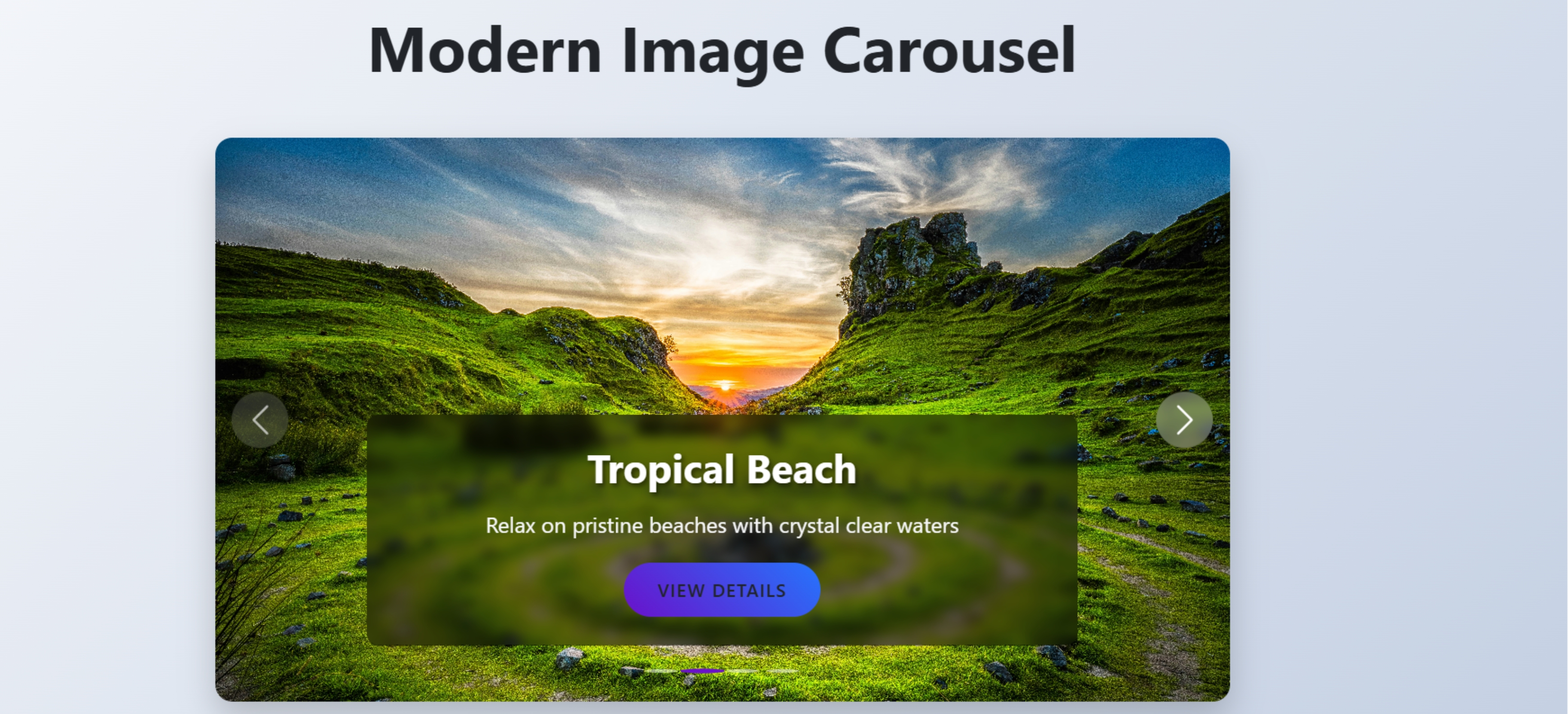
                        <img src="https://images.unsplash.com/photo-1472214103451-9374bd1c798e" class="d-block w-100 carousel-image" alt="Beach Scene">
                        <div class="carousel-caption">
                            <h3>Tropical Beach</h3>
                            <p>Relax on pristine beaches with crystal clear waters</p>
                            <button class="btn btn-custom">View Details</button>
                        </div>
                    </div>
                    <div class="carousel-item">
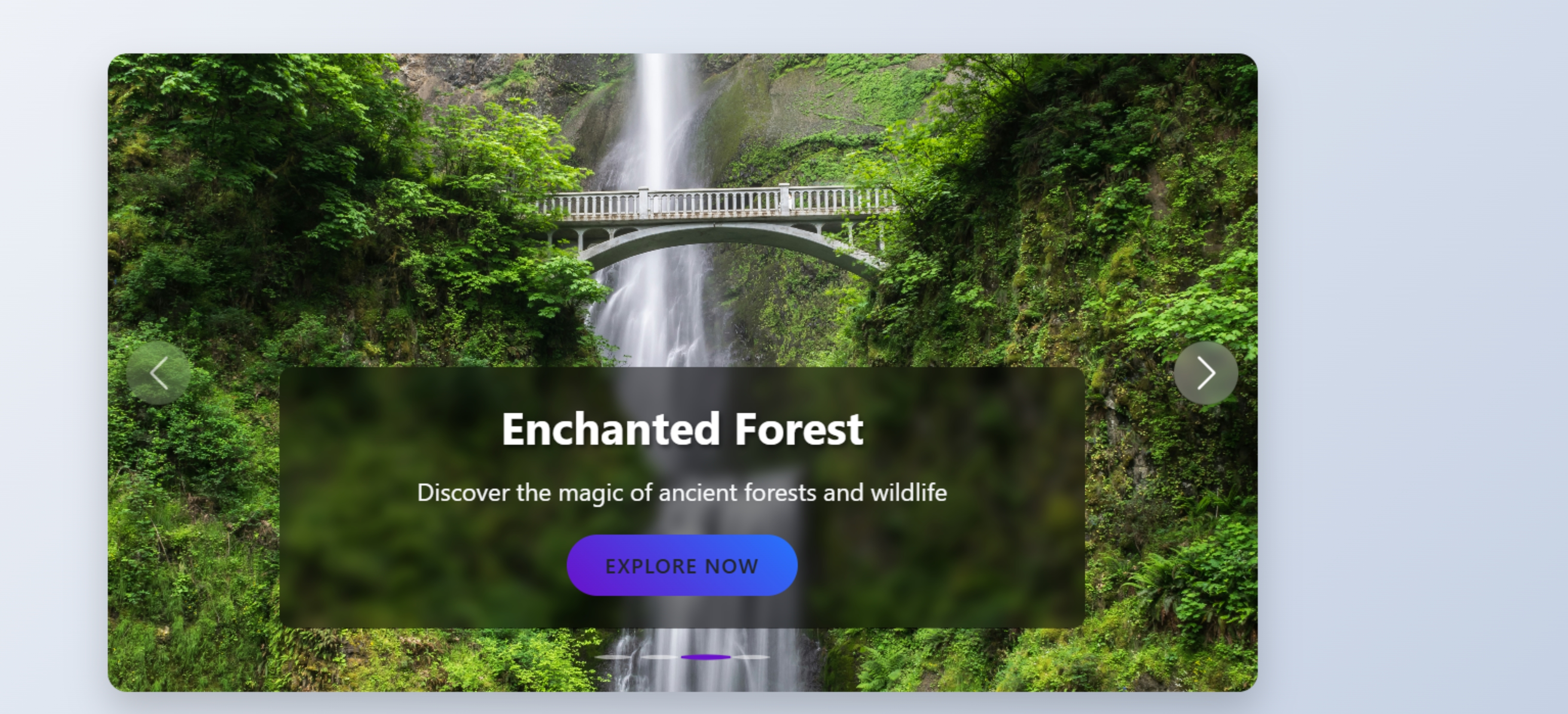
                        <img src="https://images.unsplash.com/photo-1433086966358-54859d0ed716" class="d-block w-100 carousel-image" alt="Forest Landscape">
                        <div class="carousel-caption">
                            <h3>Enchanted Forest</h3>
                            <p>Discover the magic of ancient forests and wildlife</p>
                            <button class="btn btn-custom">Explore Now</button>
                        </div>
                    </div>
                    <div class="carousel-item">
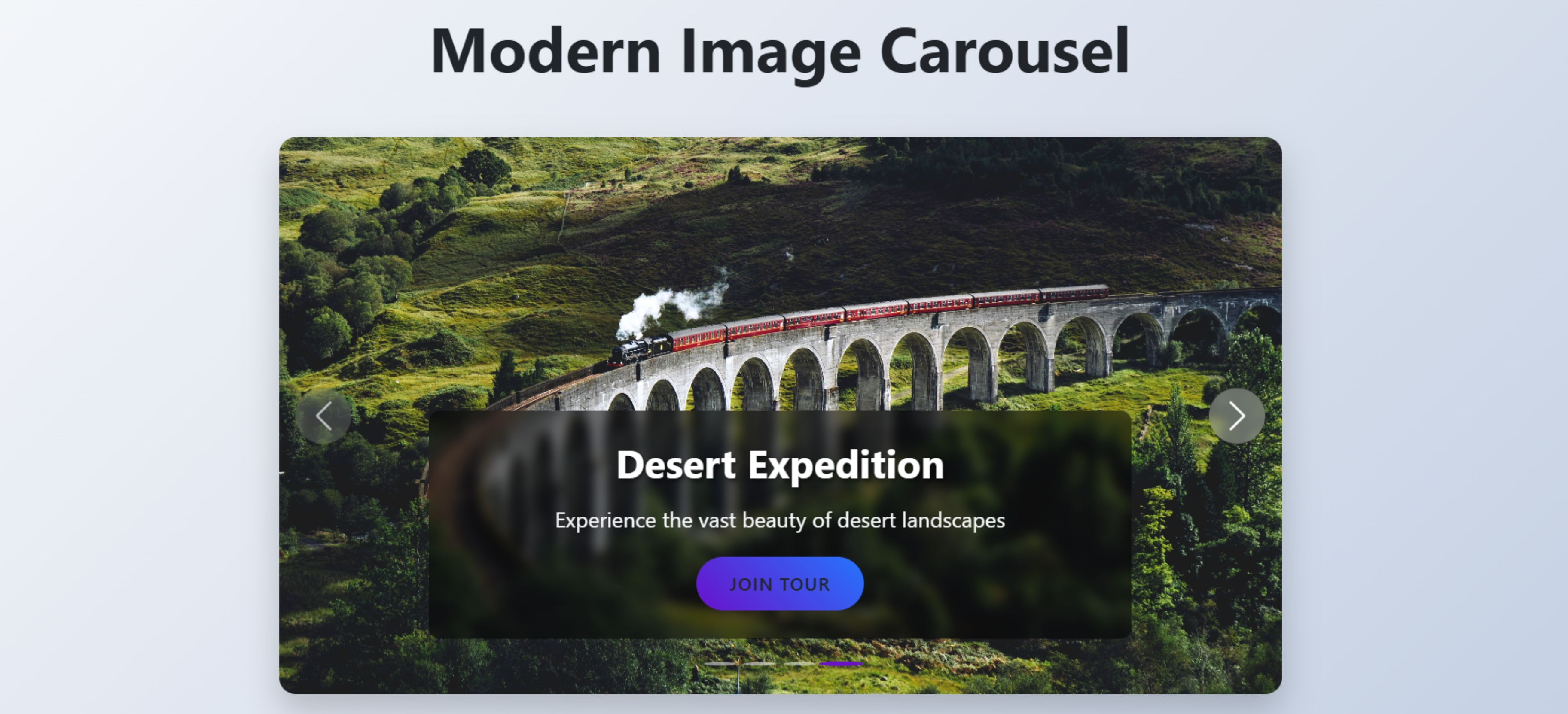
                        <img src="https://images.unsplash.com/photo-1505832018823-50331d70d237" class="d-block w-100 carousel-image" alt="Desert Landscape">
                        <div class="carousel-caption">
                            <h3>Desert Expedition</h3>
                            <p>Experience the vast beauty of desert landscapes</p>
                            <button class="btn btn-custom">Join Tour</button>
                        </div>
                    </div>
                </div>

                <!-- Navigation controls -->
                <button class="carousel-control-prev" type="button" data-bs-target="#mainCarousel" data-bs-slide="prev">
                    <span class="carousel-control-prev-icon" aria-hidden="true"></span>
                    <span class="visually-hidden">Previous</span>
                </button>
                <button class="carousel-control-next" type="button" data-bs-target="#mainCarousel" data-bs-slide="next">
                    <span class="carousel-control-next-icon" aria-hidden="true"></span>
                    <span class="visually-hidden">Next</span>
                </button>
            </div>
        </div>

        <div class="text-center mt-4">
            <p class="text-muted">Fully responsive carousel with Bootstrap 5</p>
        </div>
    </div>
</body>
</html>
CSS
<style>
        body {
            background: linear-gradient(135deg, #f5f7fa 0%, #c3cfe2 100%);
            min-height: 100vh;
            display: flex;
            align-items: center;
            justify-content: center;
            padding: 20px;
            font-family: 'Segoe UI', Tahoma, Geneva, Verdana, sans-serif;
        }

        .carousel-container {
            max-width: 900px;
            border-radius: 15px;
            overflow: hidden;
            box-shadow: 0 15px 30px rgba(0, 0, 0, 0.2);
            margin: 20px auto;
        }

        .carousel-item {
            height: 500px;
            position: relative;
        }

        .carousel-image {
            height: 100%;
            object-fit: cover;
            filter: brightness(0.8);
        }

        .carousel-caption {
            background: rgba(0, 0, 0, 0.5);
            backdrop-filter: blur(5px);
            border-radius: 10px;
            padding: 25px;
            max-width: 80%;
            margin: 0 auto;
            bottom: 50px;
            text-align: center;
            animation: fadeIn 1s ease;
        }

        @keyframes fadeIn {
            from { opacity: 0; transform: translateY(20px); }
            to { opacity: 1; transform: translateY(0); }
        }

        .carousel-caption h3 {
            font-size: 2.2rem;
            font-weight: 700;
            margin-bottom: 15px;
            color: #fff;
            text-shadow: 2px 2px 4px rgba(0, 0, 0, 0.5);
        }

        .carousel-caption p {
            font-size: 1.2rem;
            margin-bottom: 20px;
            color: #f8f9fa;
        }

        .btn-custom {
            background: linear-gradient(45deg, #6a11cb 0%, #2575fc 100%);
            border: none;
            border-radius: 50px;
            padding: 12px 30px;
            font-weight: 600;
            text-transform: uppercase;
            letter-spacing: 1px;
            transition: all 0.3s ease;
        }

        .btn-custom:hover {
            transform: translateY(-3px);
            box-shadow: 0 10px 20px rgba(0, 0, 0, 0.2);
        }

        .carousel-control-prev, .carousel-control-next {
            width: 50px;
            height: 50px;
            border-radius: 50%;
            background: rgba(255, 255, 255, 0.2);
            backdrop-filter: blur(5px);
            top: 50%;
            transform: translateY(-50%);
            opacity: 0.7;
            transition: all 0.3s ease;
        }

        .carousel-control-prev {
            left: 15px;
        }

        .carousel-control-next {
            right: 15px;
        }

        .carousel-control-prev:hover, .carousel-control-next:hover {
            opacity: 1;
            background: rgba(255, 255, 255, 0.3);
        }

        .carousel-indicators button {
            width: 12px;
            height: 12px;
            border-radius: 50%;
            margin: 0 5px;
            background-color: #fff;
            opacity: 0.5;
            transition: all 0.3s ease;
        }

        .carousel-indicators .active {
            opacity: 1;
            transform: scale(1.3);
            background-color: #6a11cb;
        }

        @media (max-width: 768px) {
            .carousel-item {
                height: 400px;
            }

            .carousel-caption {
                padding: 15px;
                bottom: 30px;
            }

            .carousel-caption h3 {
                font-size: 1.5rem;
            }

            .carousel-caption p {
                font-size: 1rem;
            }
        }

        @media (max-width: 576px) {
            .carousel-item {
                height: 300px;
            }

            .carousel-caption {
                bottom: 15px;
                max-width: 90%;
            }

            .carousel-caption h3 {
                font-size: 1.2rem;
                margin-bottom: 10px;
            }

            .carousel-caption p {
                font-size: 0.9rem;
                margin-bottom: 10px;
            }

            .btn-custom {
                padding: 8px 20px;
                font-size: 0.8rem;
            }
        }
    </style>
JavaScript
<script src="https://cdn.jsdelivr.net/npm/bootstrap@5.3.0/dist/js/bootstrap.bundle.min.js"></script>
    <script>
        // Custom JavaScript to enhance carousel functionality
        document.addEventListener('DOMContentLoaded', function() {
            const myCarousel = document.getElementById('mainCarousel');
            const carousel = new bootstrap.Carousel(myCarousel, {
                interval: 5000,
                wrap: true,
                touch: true
            });

            // Pause carousel on hover
            myCarousel.addEventListener('mouseenter', () => {
                carousel.pause();
            });

            // Resume carousel when mouse leaves
            myCarousel.addEventListener('mouseleave', () => {
                carousel.cycle();
            });
        });
    </script>